A fast, local-first SQL workbench
No cloud. No accounts. No telemetry.
Just a focused, native desktop tool for working with
SQLite, PostgreSQL and MySQL / MariaDB.
Free & open source · Windows · macOS · Linux
SQL tools are usually overkill. XenSQL isn't.
Most SQL tools today are heavy Electron apps, cloud-connected by default, tied to subscriptions, and overloaded with features you don't use. XenSQL focuses on one thing: a fast, local environment for working with databases.
⚡ Native, not Electron
Built with Go and Wails v3, the UI runs in the OS webview - WebView2 on Windows, WebKit on macOS, WebKitGTK on Linux. No bundled Chromium.
🔒 Yours, entirely
Everything runs and stays on your machine. No account, no sign-in, no telemetry - your connections and queries never leave your computer.
🧳 Portable by design
All data lives in a single XenSQL-data/ folder next to the executable. Move it to a USB stick or another PC and it just works.
🧪 Battle-tested
Backed by an extensive Playwright end-to-end suite covering the editor, transactions, results grid, exports, schema explorer and table editing against real PostgreSQL, MySQL and MariaDB instances.
Supported databases
- Read & write + read-only mode
- SSL:
require/verify-full - SSH tunnel to a bastion
- Powered by pgx
- Read & write + read-only mode
- TLS transport
- SSH tunnel to a bastion
- Powered by go-sql-driver
- Read & write + read-only mode
- Local file with picker workflow
- Pure-Go driver (modernc.org/sqlite)
Everything you need. Nothing you don't.
🧠 SQL Editor
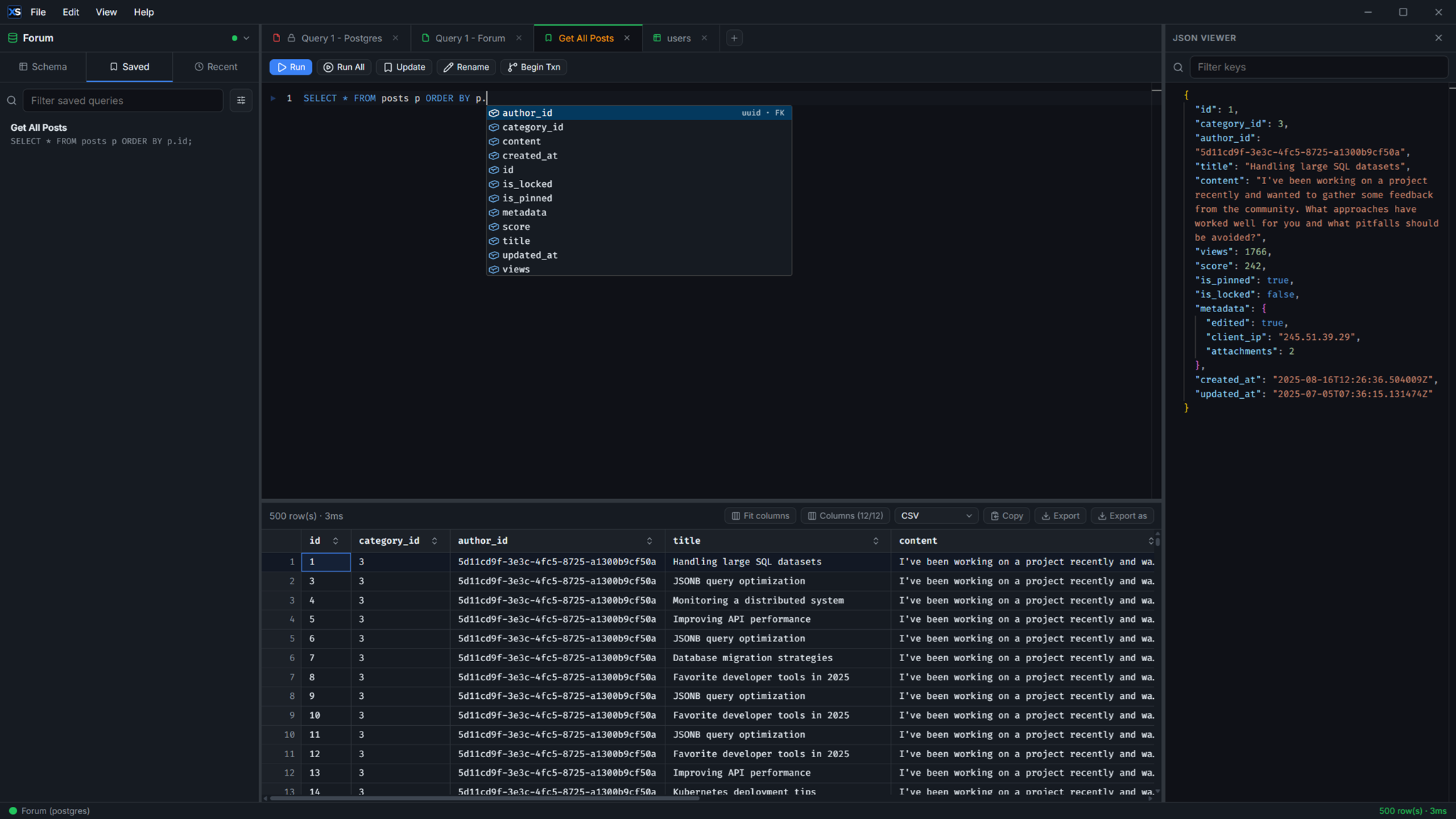
Tabbed Monaco-powered workspace with session restore, smart schema-aware autocomplete, snippets, SQL formatting, gutter run icons and remappable shortcuts.
📜 Multi-statement scripts
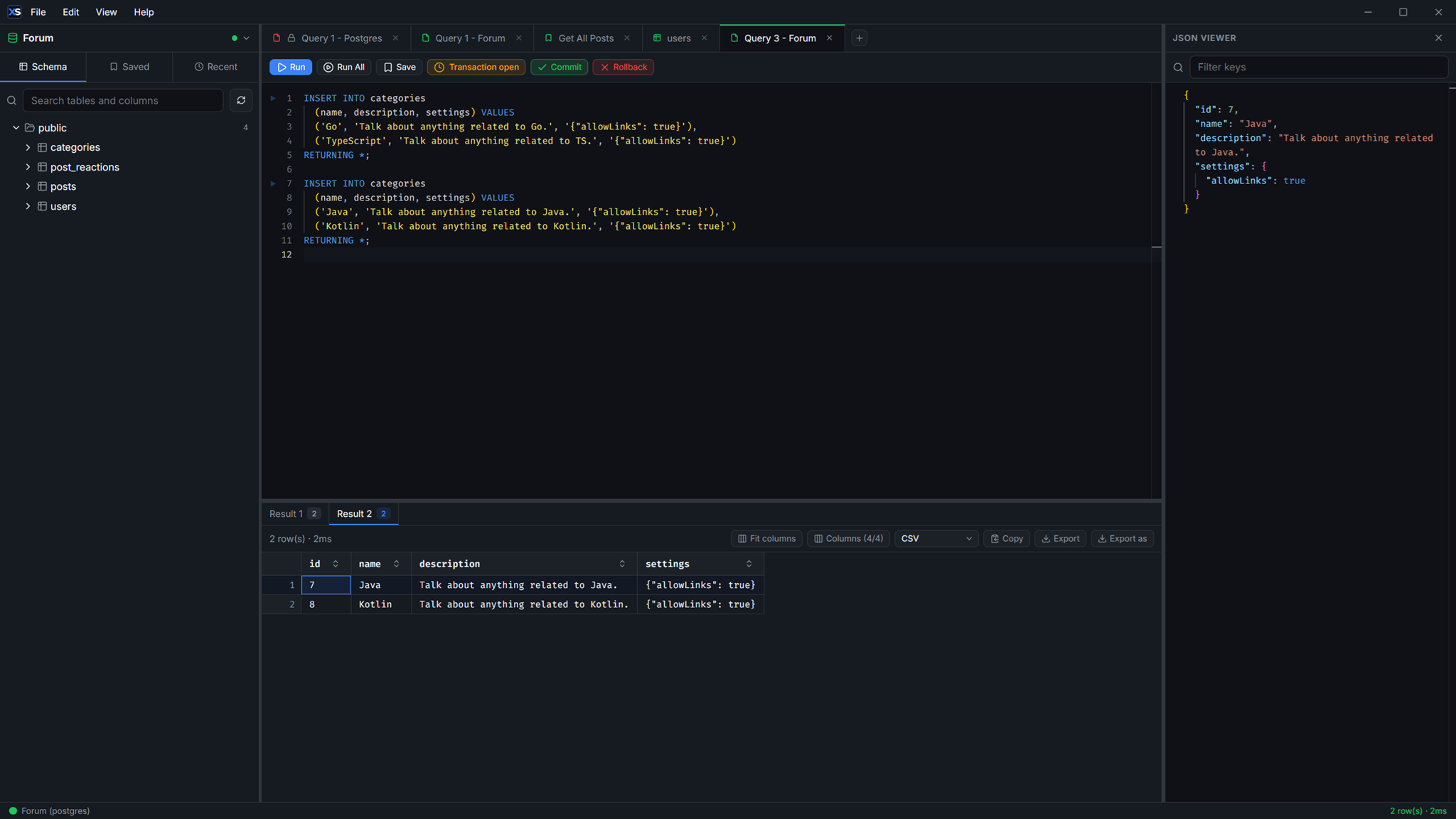
Run several ;-separated statements at once on a single connection - temp tables, SET and scripted transactions hold. Every output gets its own tab, query plans included.
📌 Pinned transactions
Run BEGIN / COMMIT / ROLLBACK as SQL or from the toolbar. Queries run inside the open transaction, per tab, until you commit or roll back.
🌊 Streaming results
Rows render as the driver yields them, in a virtualized grid that scrolls smoothly over thousands of rows. Stop long-running queries with one click.
🧭 Query plan viewer
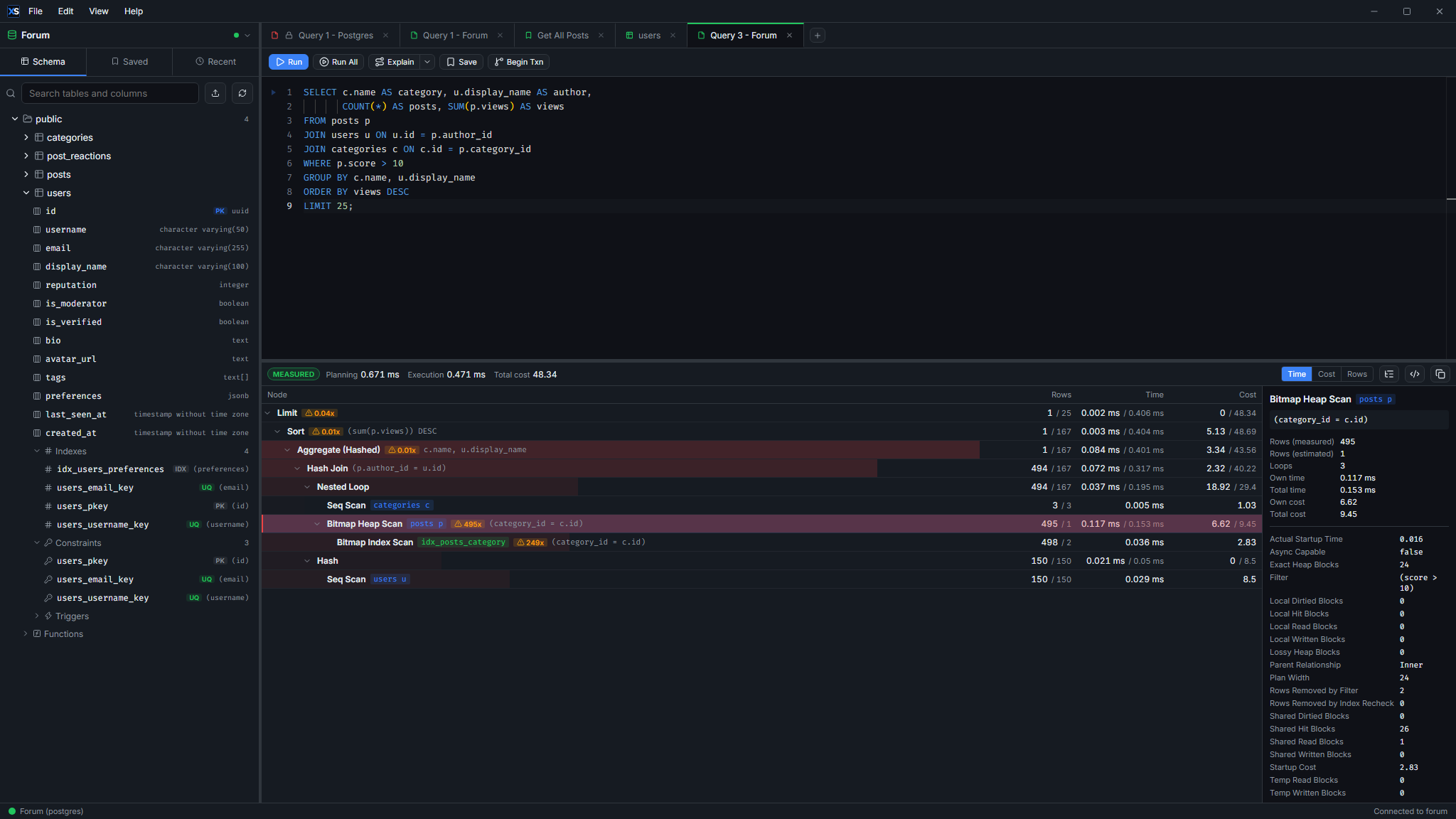
See why a query is slow, in one tree whatever the engine. Each node's bar is its own share of the time, cost or rows, so the expensive step is the one you see first - and a row count 10x off the planner's guess is flagged where the missing index hides.
📊 Estimated or measured
Ctrl+Shift+E plans without running. Ctrl+Shift+A executes the statement for real rows and timings - and rolls a write back so nothing lands. Type EXPLAIN yourself and Run opens the same viewer instead of a table of raw output.
🗃️ Schema Explorer
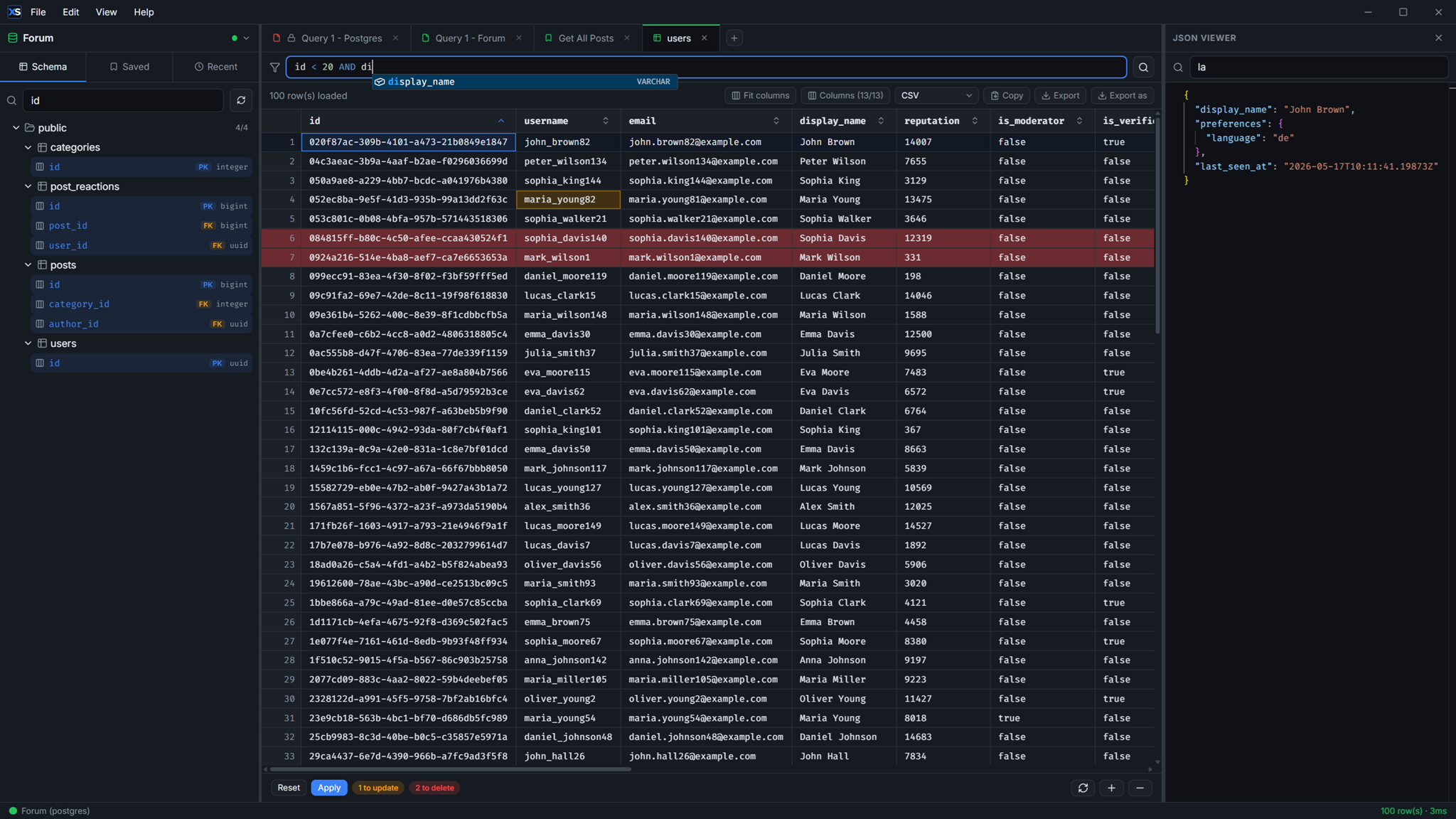
Tree view of schemas, tables and columns with instant search. Double-click a table for a SELECT, Ctrl+double-click to browse and edit its data.
✏️ Edit data in the grid
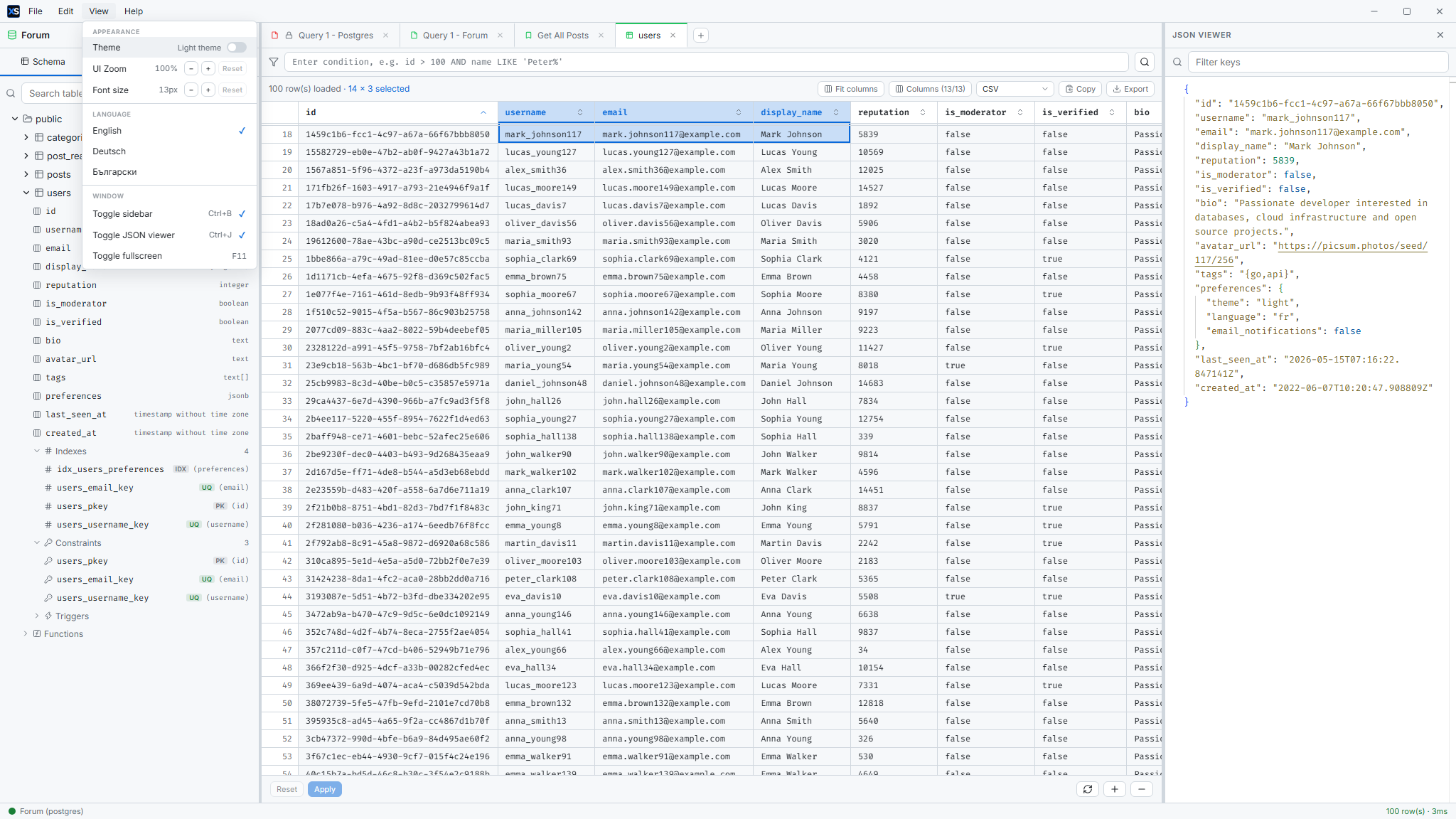
Inline-edit cells, insert rows and bulk-delete - no hand-written UPDATE. Changes are staged and applied on demand, guarded by primary keys and read-only mode.
🔍 Cell & JSON viewers
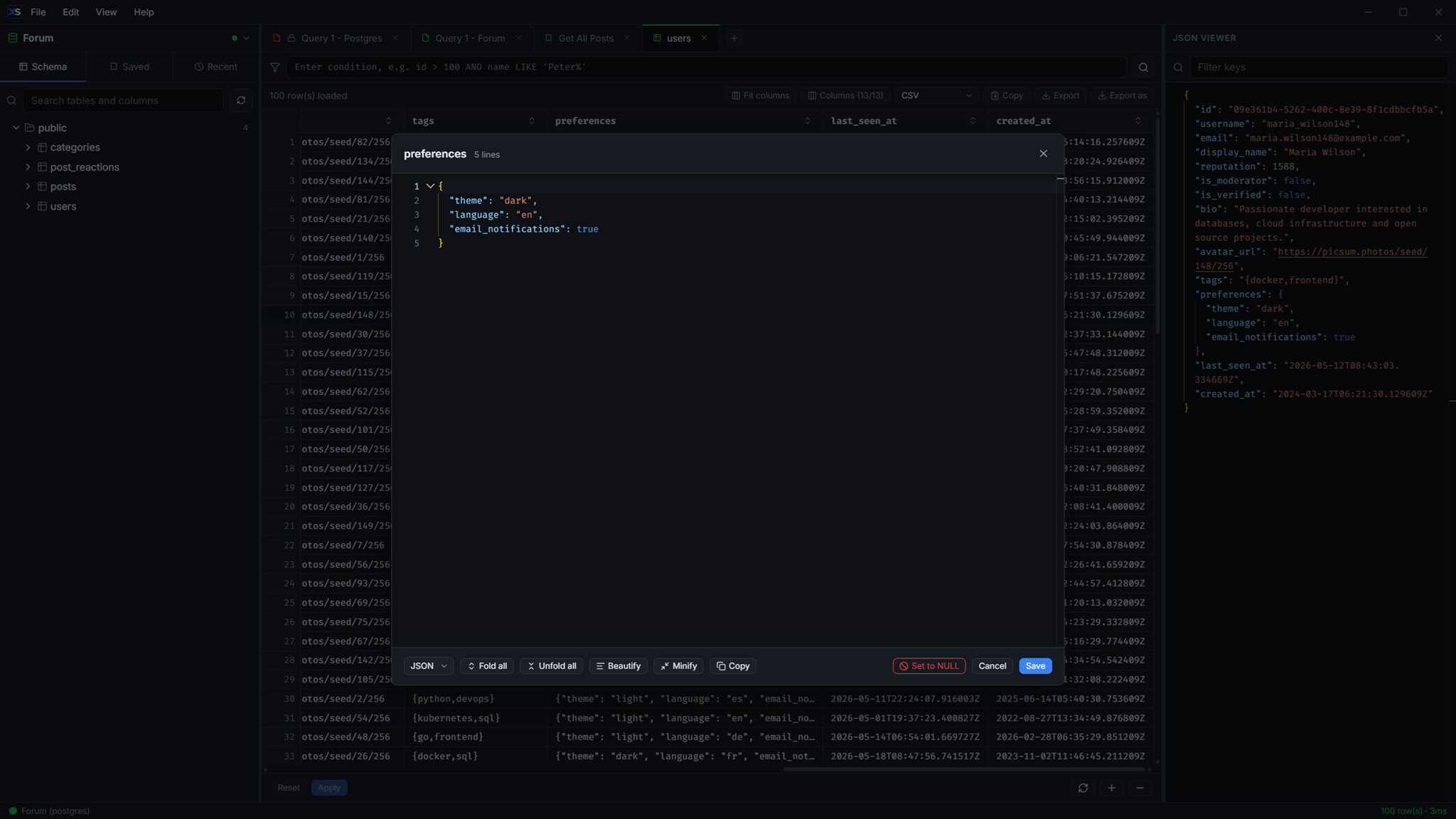
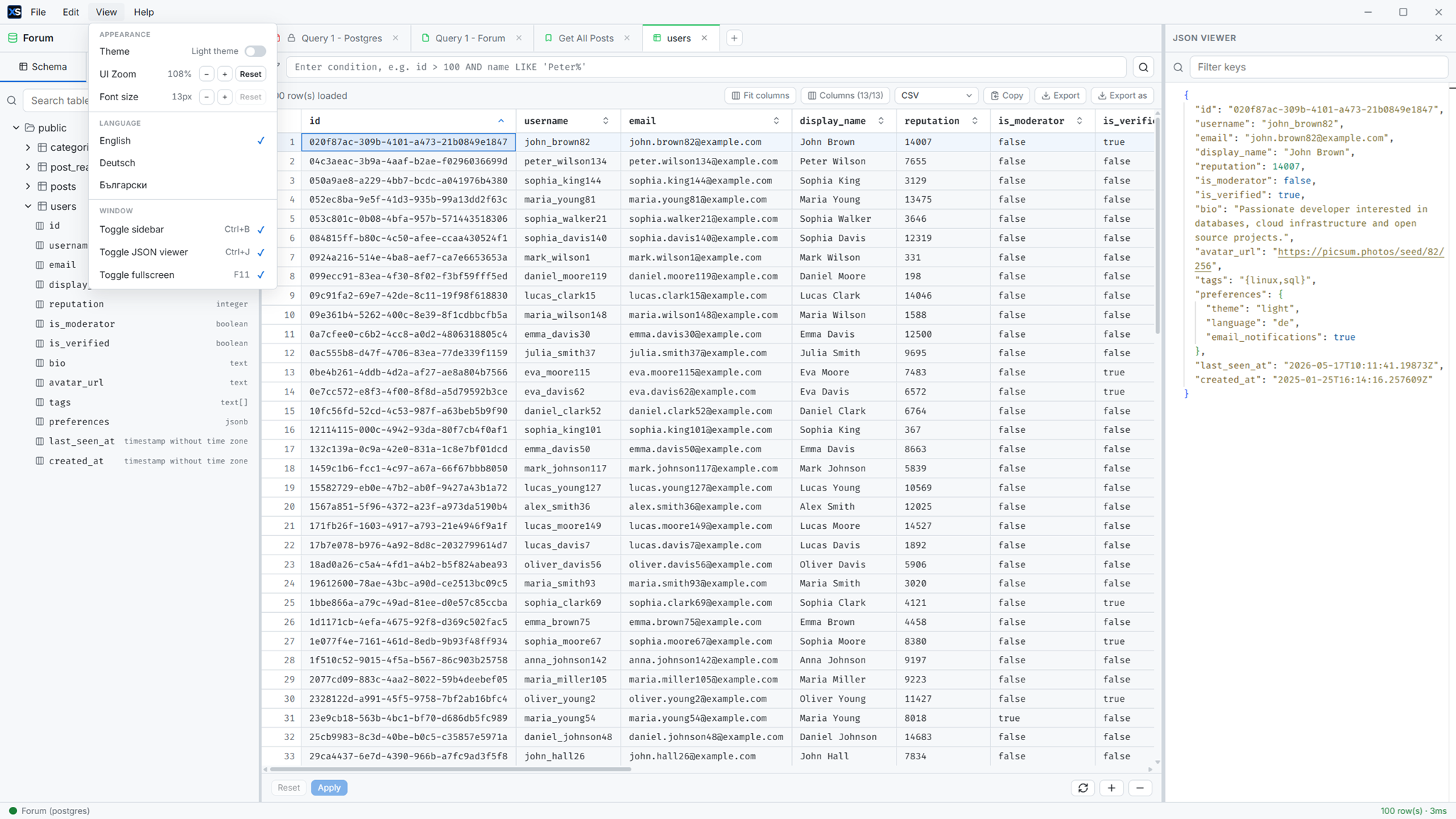
A cell editor for large values - JSON, XML, HTML, or plain text with beautify/minify - plus a side JSON row viewer with filter and regex search.
📤 One-click export
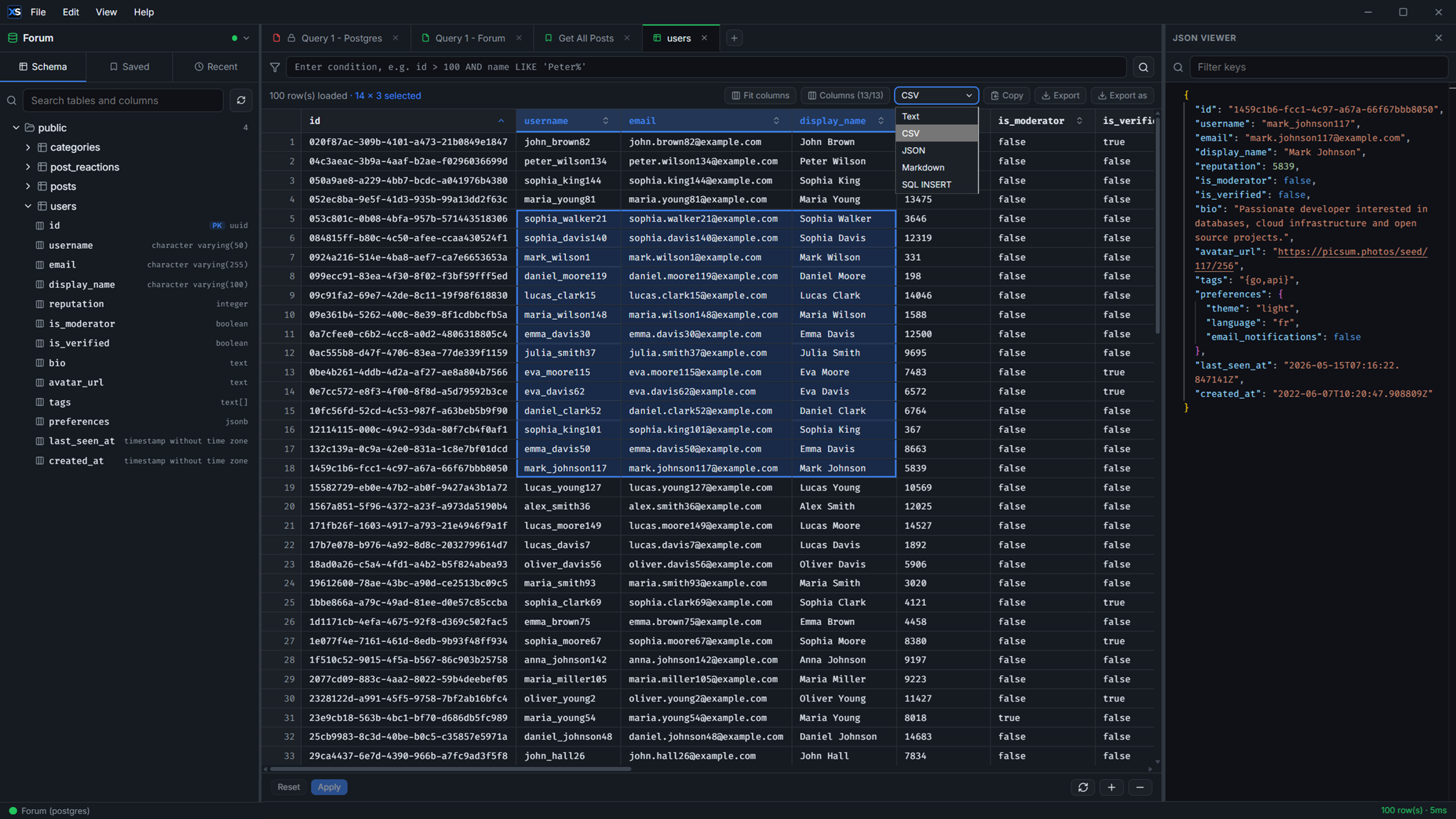
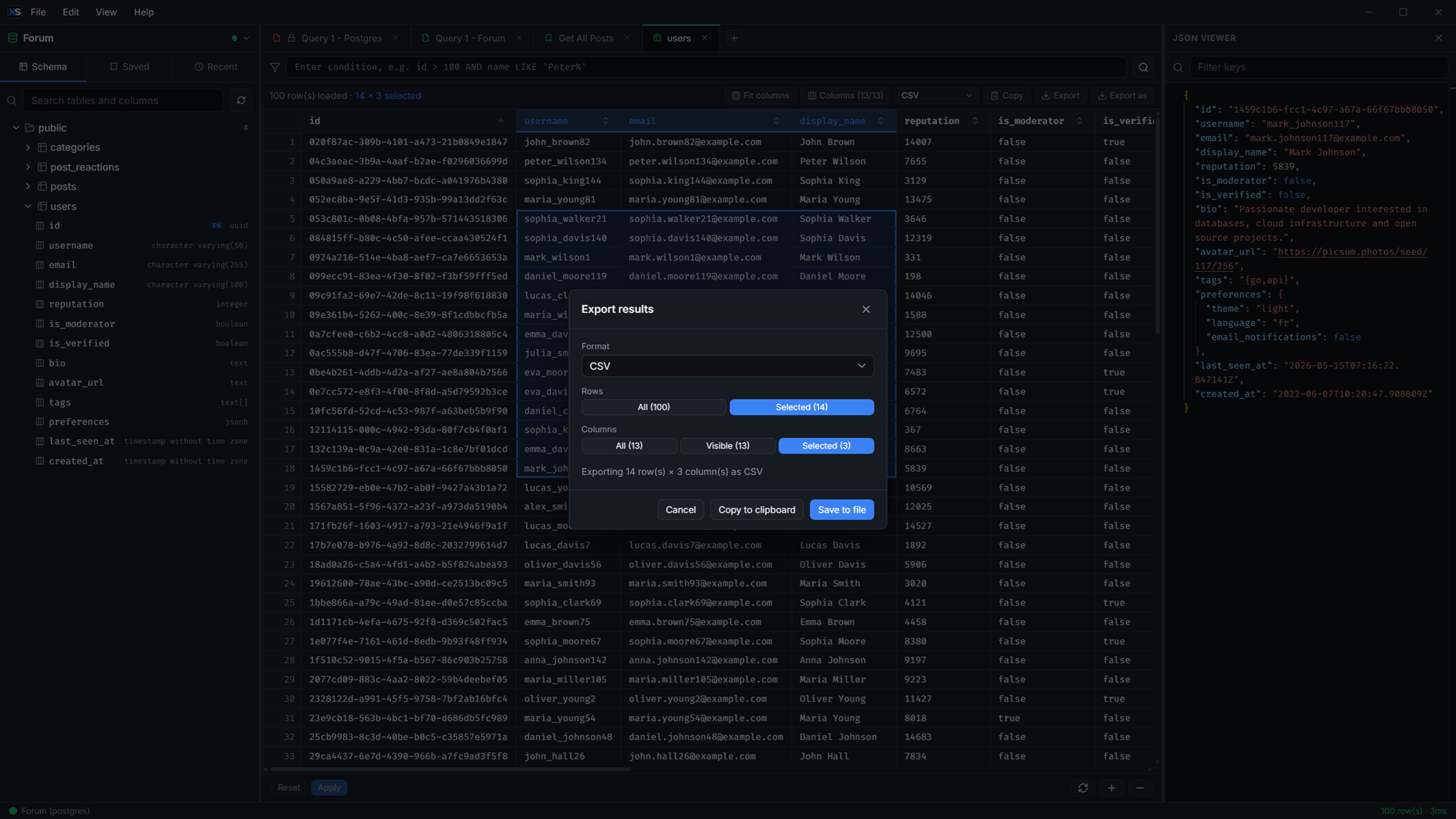
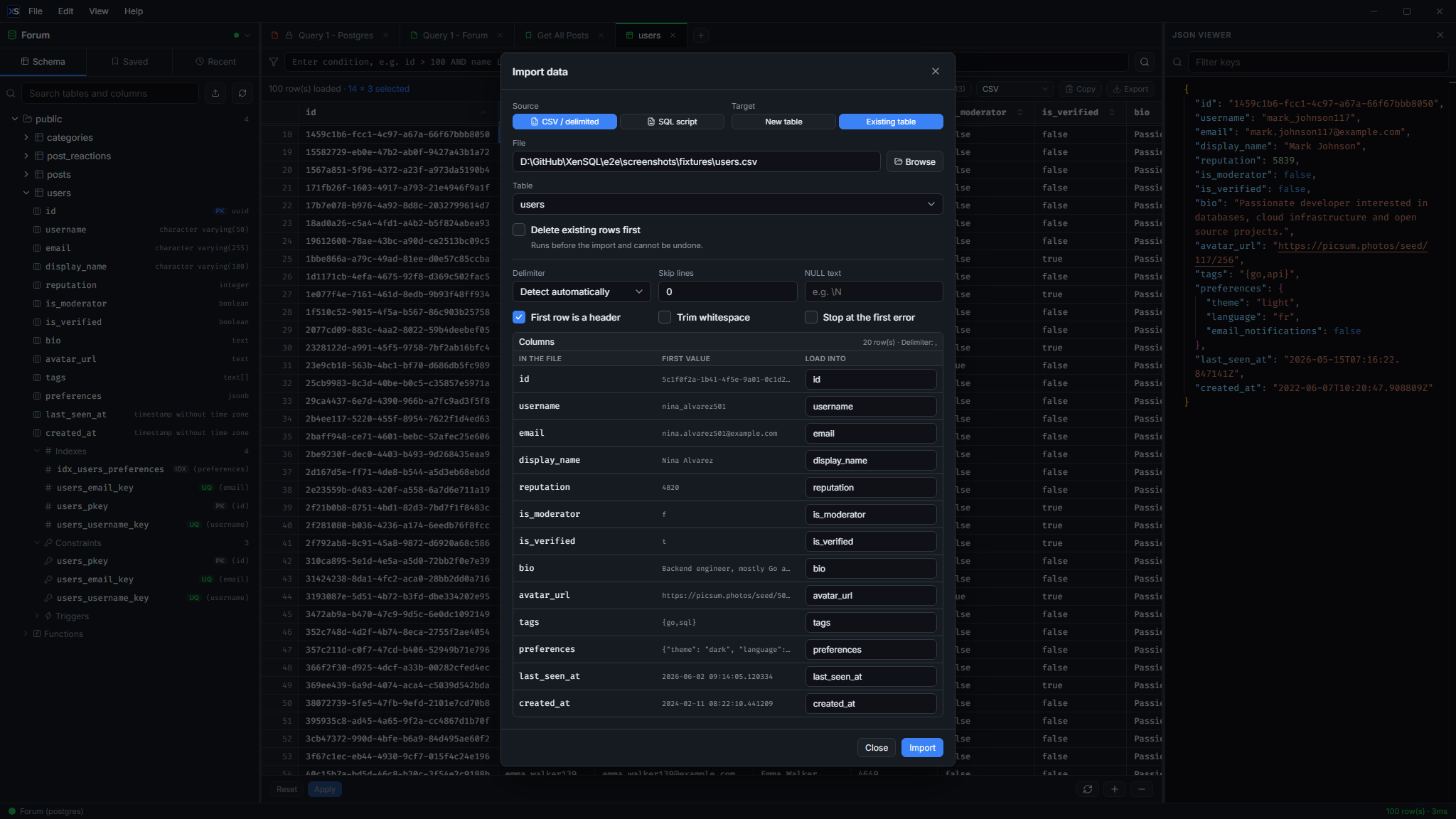
CSV, JSON, Markdown, or SQL INSERT. Export all or selected rows and columns, copy to clipboard or save to file. Remembers your last format.
📚 Query library & history
Save, rename, filter and reuse queries with dirty-state tracking, plus per-connection history with success/error status and duration.
🔐 SSH tunnel
Reach a database only its bastion can see - no ssh -L in a side terminal. Private key, password or ssh-agent auth, with host keys checked against known_hosts.
🔌 Connection manager
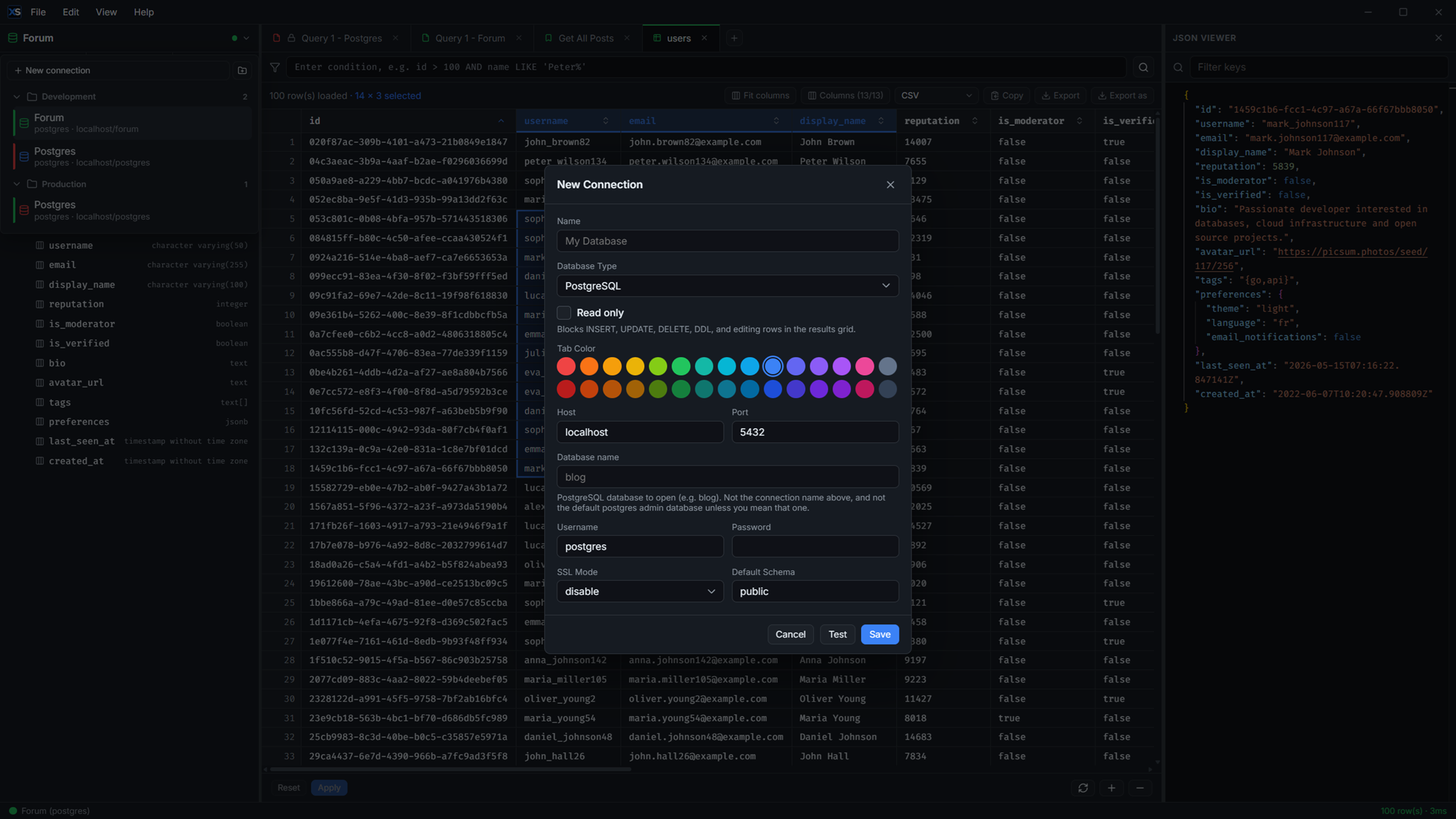
Create, test and organize connections into drag-and-drop folders, with per-connection tab colors and a defense-in-depth read-only mode.
⌨️ Keyboard-first
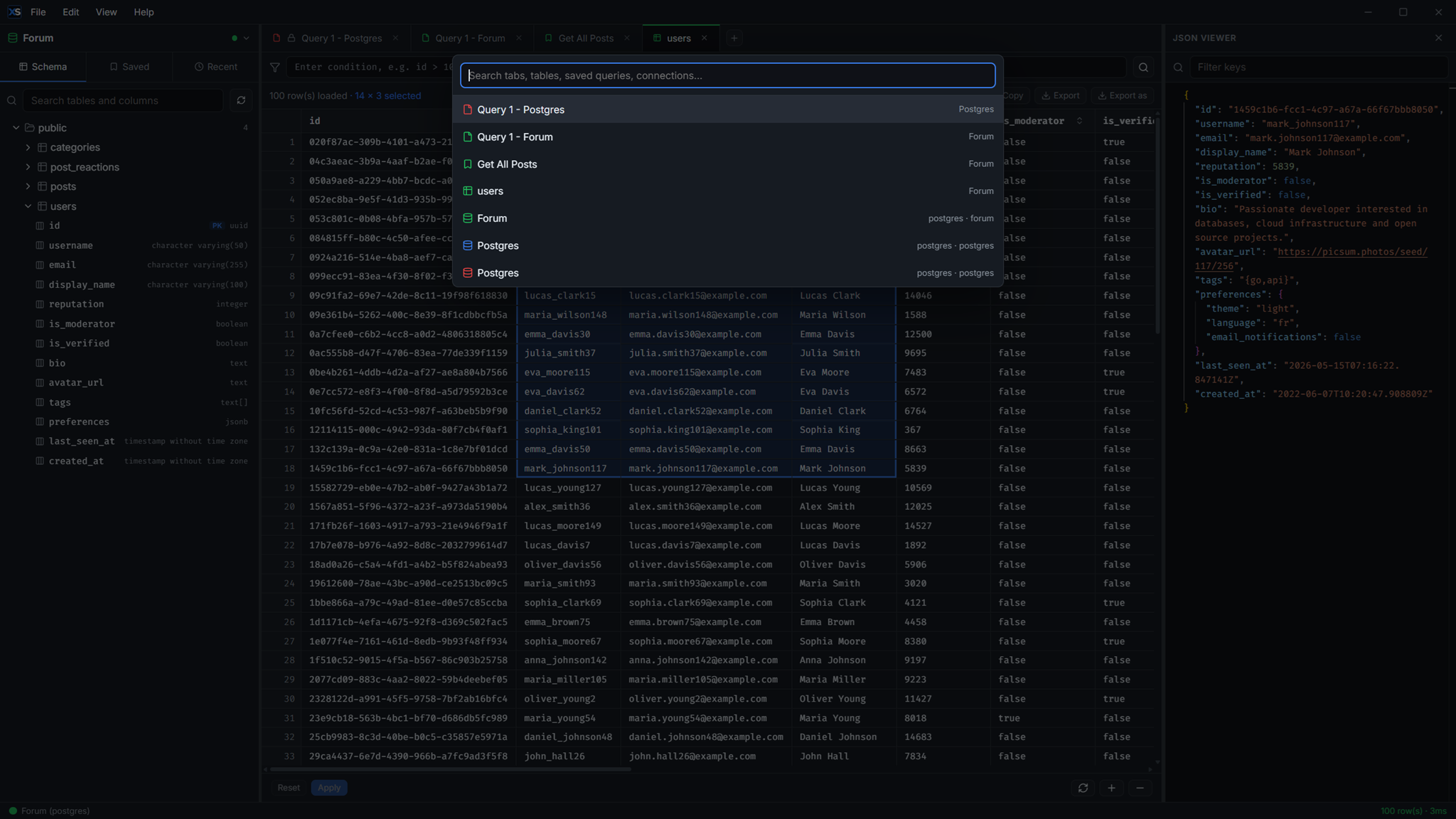
Quick Search palette (Ctrl+P) jumps to connections, saved queries, history and tabs. Every shortcut is remappable in the in-app editor.
🌍 Polished UX
Dark & light themes, English / Deutsch / Български, frameless native title bar, window state persistence and one-click auto-updates with changelogs.
Screenshots
Click any screenshot to view it full size.
Download
No account required - just download and run.
All builds and checksums are on the
latest release page.
Prefer to build it yourself? wails3 task build - see the
README.
🧳 Portable by design
Everything lives in a single XenSQL-data/ folder created right next to the
executable - connections, editor session, history, saved queries and settings.
Move it to a USB stick, a network drive, or another PC and it just works.
If the app lives in a read-only location, it falls back to the OS per-user data
directory. You can always override the location with XENSQL_DATA_DIR.
XenSQL(.exe)
XenSQL-data/
  connections.json
  editor_session.json
  query_history.json
  saved_queries.json
settings.jsonReady to try XenSQL?
Free, open source and yours to keep - on Windows, macOS and Linux.